7 Critical Reasons Why Driver Updater Scams Are Dangerous
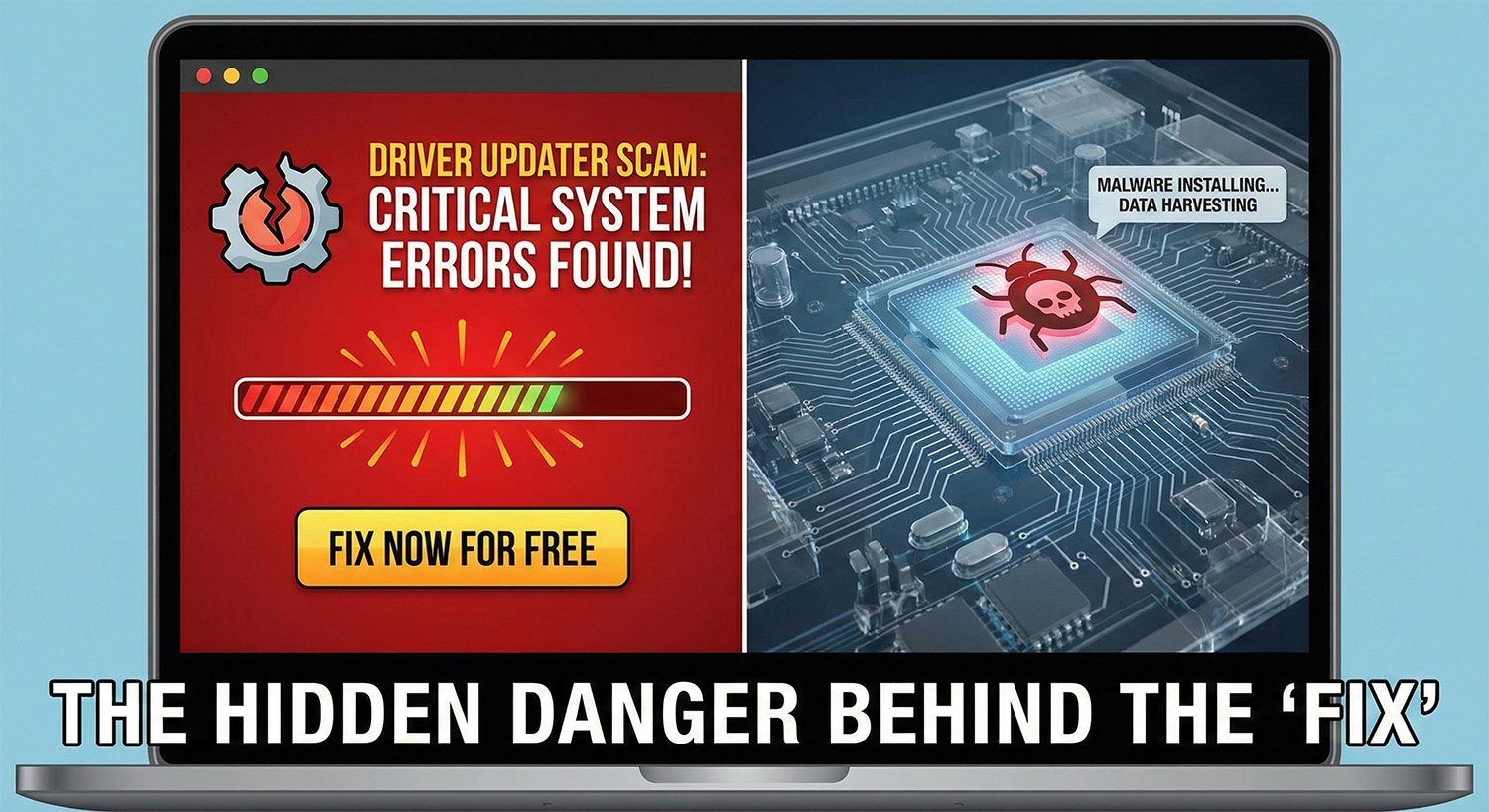
Are you experiencing slow PC performance or random crashes? If you have been searching for a solution online, you have likely encountered flashy advertisements for tools promising to fix all your PC problems instantly. However, you must be extremely cautious. Driver Updater Scams are becoming one of the most prevalent issues facing casual computer users today. These tools, often disguised as essential utilities, usually do more harm than good.
In this extensive review, we will dissect why these popular automated tools are not only useless but potentially dangerous to your digital privacy and system stability. We will explore the mechanics behind Driver Updater Scams, why you should avoid them, and the correct ways to maintain your computer.
What Exactly Are Driver Updater Scams?
To understand the danger, we must first define the tool. Legitimate hardware drivers are software components that allow your operating system (like Windows) to communicate with hardware (like your graphics card or printer). Driver Updater Scams act as third-party software that claims to scan your computer, identify “outdated” drivers, and update them automatically.
While the premise sounds helpful, the execution is often predatory. These programs are frequently classified as Potentially Unwanted Programs (PUPs) or “scareware.” They intentionally misreport the health of your computer, flagging perfectly functional drivers as “ancient” or “critical errors” to frighten you into purchasing a premium subscription. This deceptive behavior is the hallmark of Driver Updater Scams.
 Visualizing the hidden code behind deceptive software interfaces.
The Psychology Behind the Scam
Why are these tools so popular if they are dangerous? The answer lies in psychology. Driver Updater Scams prey on the user’s fear of a breaking computer. When you install one of these tools, the interface is usually designed with red warning signs, exclamation marks, and countdown timers.
They might show you a message saying, “15 Drivers are Extremely Outdated!” or “System Health: Critical.” In reality, a driver from 2019 might work perfectly fine for a sound card that hasn’t changed its architecture. By creating a false sense of urgency, Driver Updater Scams convince users to pull out their credit cards to “fix” problems that never existed in the first place.
Why Driver Updater Scams Are Useless
Beyond the deceptive marketing, the core functionality of these tools is largely redundant. In the modern era of computing, specifically with Windows 10 and Windows 11, the operating system handles driver updates automatically. Microsoft’s vast database covers the majority of components for the average user.
If you are a gamer using an NVIDIA or AMD card, the manufacturer provides their own safe, proprietary software. There is simply no need for a middle-man tool. Driver Updater Scams insert themselves into a process that is already streamlined, consuming system resources to perform a task your computer does natively for free.
The Security Risks: Malware and Instability
The label “dangerous” is not an exaggeration. The risks associated with these tools fall into three main categories:
- Bundled Malware: Many free versions of these tools are “wrappers” for more malicious code. When you install the updater, you might unknowingly install adware, browser hijackers, or even keyloggers.
- Wrong Drivers: Automated scripts in Driver Updater Scams often misidentify hardware ID numbers. They might force-install a driver meant for a slightly different model of your hardware. This can result in the dreaded “Blue Screen of Death” (BSOD), audio failure, or a computer that refuses to boot.
- Data Privacy: To “scan” your system, these tools require deep administrative privileges. They gather data about your hardware, IP address, and installed software. In the hands of a shady developer, this data is a valuable commodity sold to advertisers.
Security experts consistently warn against these utilities. For further reading on safe computing habits, you can verify this information with trusted security resources like Malwarebytes or the Microsoft Support portal. [cite: 10]
Identifying Driver Updater Scams in the Wild
How do you know if you have installed one of these malicious tools? Look for these signs:
- The program launches automatically every time you start your PC and cannot be easily disabled.
- You receive pop-up notifications on your desktop even when the program is closed.
- The “Scan” result always finds severe errors, even on a brand-new computer.
- The uninstall process is difficult or hidden.
If you spot these signs, you are likely dealing with Driver Updater Scams and should look to remove the software immediately.
How to Correctly Update Drivers
We have established that you should avoid Driver Updater Scams, but how should you handle legitimate updates? The process is simple and free:
1. Windows Update:
Go to Settings > Update & Security > Windows Update. Click “Check for Updates.” Windows will automatically find and install necessary drivers.
2. Manufacturer Websites:
If you need a specific driver (e.g., for a specialized printer), go directly to the manufacturer’s website (HP, Dell, Canon, etc.). Download the driver from the “Support” section. Never download drivers from third-party aggregation sites.
Need Professional Help?
Dealing with system instability or suspected malware can be daunting. If you are unsure about the health of your website or digital infrastructure, we are here to help. Always your trusted advisor TRUSTOLOG.COM.
Conclusion: Stay Safe Online
The internet is filled with tools that promise to make our digital lives easier, but few deliver on that promise. Driver Updater Scams are a prime example of software that monetizes fear and ignorance. They offer no tangible benefit over standard Windows features and introduce significant security risks.
By relying on official updates and avoiding “magic fix” buttons, you ensure your computer runs faster, stays stable, and remains secure. Do not let Driver Updater Scams fool you into paying for a service that is free, or worse, compromising your personal data.
Remember, a clean PC is a fast PC. Keep your software usage minimal, stick to trusted sources, and treat any program that claims your computer is “in critical danger” with extreme skepticism.
This article on Driver Updater Scams is for educational purposes. Always back up your data before making system changes.



Post Comment