How to Translate Video with AI: Speak 29 Languages (No Reshooting)
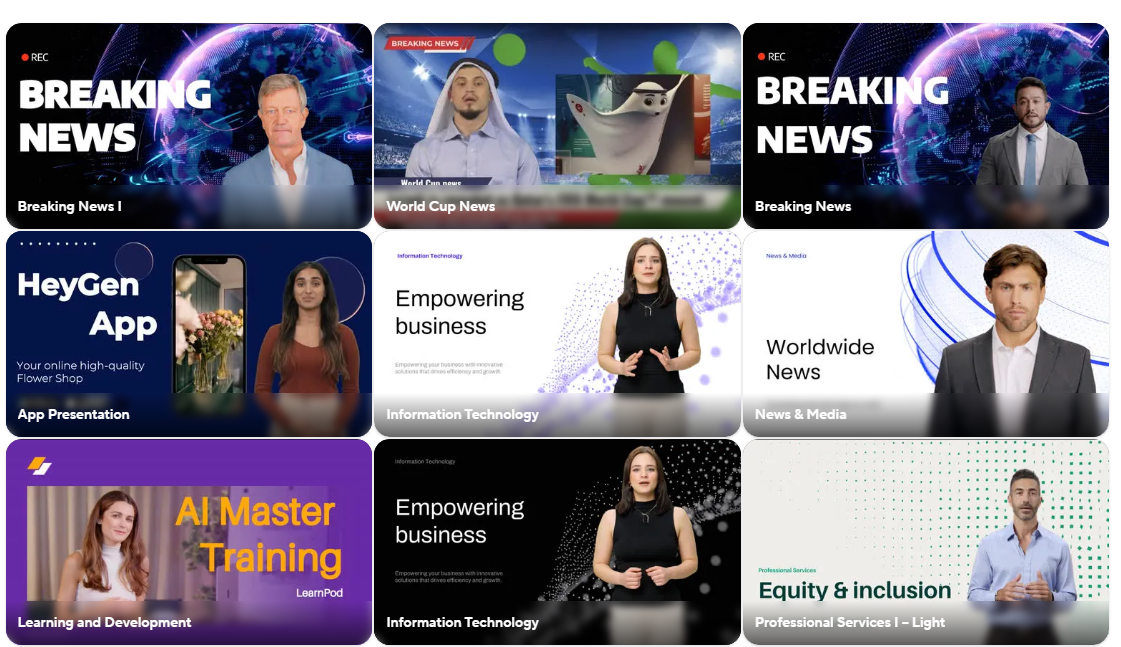
Imagine creating one YouTube video in English and instantly converting it into Spanish, German, or Japanese—without re-recording a single second. In 2026, the ability to Translate Video with AI is no longer sci-fi; it is a reality available to everyone.
Content creators are using tools like HeyGen to triple their views by reaching global audiences. The best part? The AI not only clones your voice but also adjusts your lip movements to match the new language perfectly. If you want to scale your business, learning how to Translate Video with AI is the most profitable skill you can learn today.
💡 Pro Tip: Before you start translating, you need a high-quality script. Use the Best AI Writing Tools to draft your content in your native language first.
Guide Contents
Why Translate Video with AI?
Traditional dubbing is expensive and slow. You have to hire voice actors, match the timing, edit the audio, and hope the translation captures the original emotion.
AI tools like HeyGen solve this instantly. Whether you are an educator, a marketer, or a YouTuber, the power to Translate Video with AI allows you to enter untapped markets.
Did you know that less than 20% of the world’s population speaks English? By keeping your content in one language, you are ignoring 80% of your potential customers. A video that gets 10,000 views in the US might get 50,000 views in Brazil or India simply because there is less competition in those local languages.
Step 1: Upload Your Footage
To start the process, you don’t need expensive equipment. You simply need a clear video of yourself speaking. However, for the AI to work its magic perfectly, follow these preparation rules:
- Lighting: Ensure your face is well-lit. Shadows across the mouth can confuse the lip-sync algorithms.
- Eye Contact: Look directly at the camera lens. This helps the AI map your facial features accurately.
- Audio: Minimize background noise. The cleaner your original voice, the better the cloned voice will sound in Spanish or German.
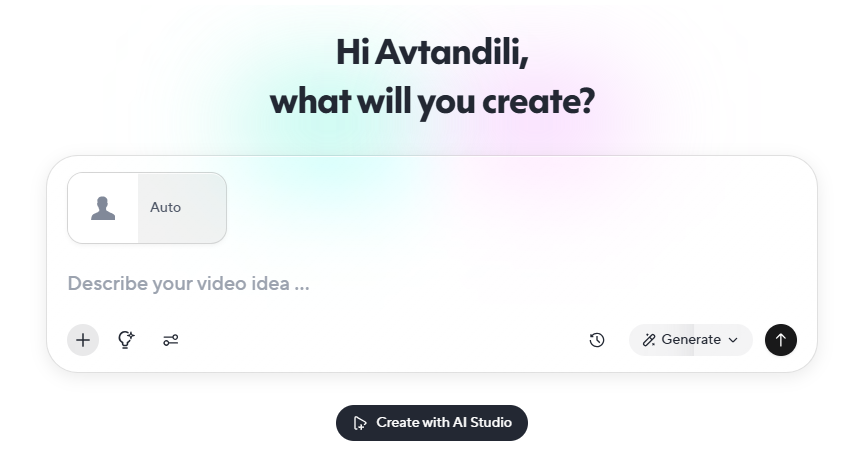
HeyGen’s interface is drag-and-drop simple.
Step 2: Choose Target Language
This is where the real customization happens. You can select from over 40 languages, including Spanish, French, Hindi, Arabic, and Mandarin Chinese.
The tool uses advanced Voice Cloning technology. This is critical. The translated audio won’t sound like a generic robotic assistant (like Siri or Alexa); it will sound like you. It preserves your pitch, tone, and speaking pace. When you Translate Video with AI, you retain your personal brand identity across borders.
The Magic of AI Lip-Sync Technology
The biggest problem with old-school dubbing methods is the visual disconnect. The mouth movements don’t match the sound (reminiscent of old Kung Fu movies). This breaks immersion and lowers trust.
HeyGen changes the game. When you use it to Translate Video with AI, the software uses Generative Adversarial Networks (GANs) to regenerate the pixels around your mouth and jawline.
It literally redraws your face to match the new vowels and consonants of the target language. The result is 100% natural. Your audience in Tokyo will swear you speak fluent Japanese, building immediate rapport and trust.
🚀 Growth Hack: Once you have your translated video, you need a website to host it. Check out our review of the Best AI Website Builders to launch your global brand.
Who Needs This Tool? (Use Cases)
You might be thinking, “Do I really need to translate my content?” If you fall into one of these categories, the answer is a resounding yes:
👨🏫 Online Educators
Sell your course in 10 countries instead of one. Education is a universal need, and language is the only barrier.
📢 Marketers
Run ads in local languages. Ads with native audio have 400% higher click-through rates than subtitled ads.
By leveraging the power to Translate Video with AI, you are essentially cloning yourself and your business productivity.
Frequently Asked Questions
Is HeyGen free to use?
HeyGen offers a free trial that lets you test the translation features (usually 1 credit). This is enough to see the lip-sync magic in action. For professional use without watermarks, you will need a paid plan.
How long does it take to translate video with AI?
It depends on the length of the video. Generally, a 1-minute clip takes about 3-5 minutes to process, translate, and lip-sync. It is significantly faster than hiring a human translator.
Does it work with any background?
Yes, but static backgrounds work best. If there is a lot of movement behind you (like cars passing by), the AI might struggle to render the frames around your head perfectly. We recommend a clean studio background.
Final Verdict
If you want to go global, manual dubbing is dead. AI is the new standard.
Try HeyGen for Free

Post Comment